Feature: Provider & Coach Hub
Give providers the caseload view they need before the next session.
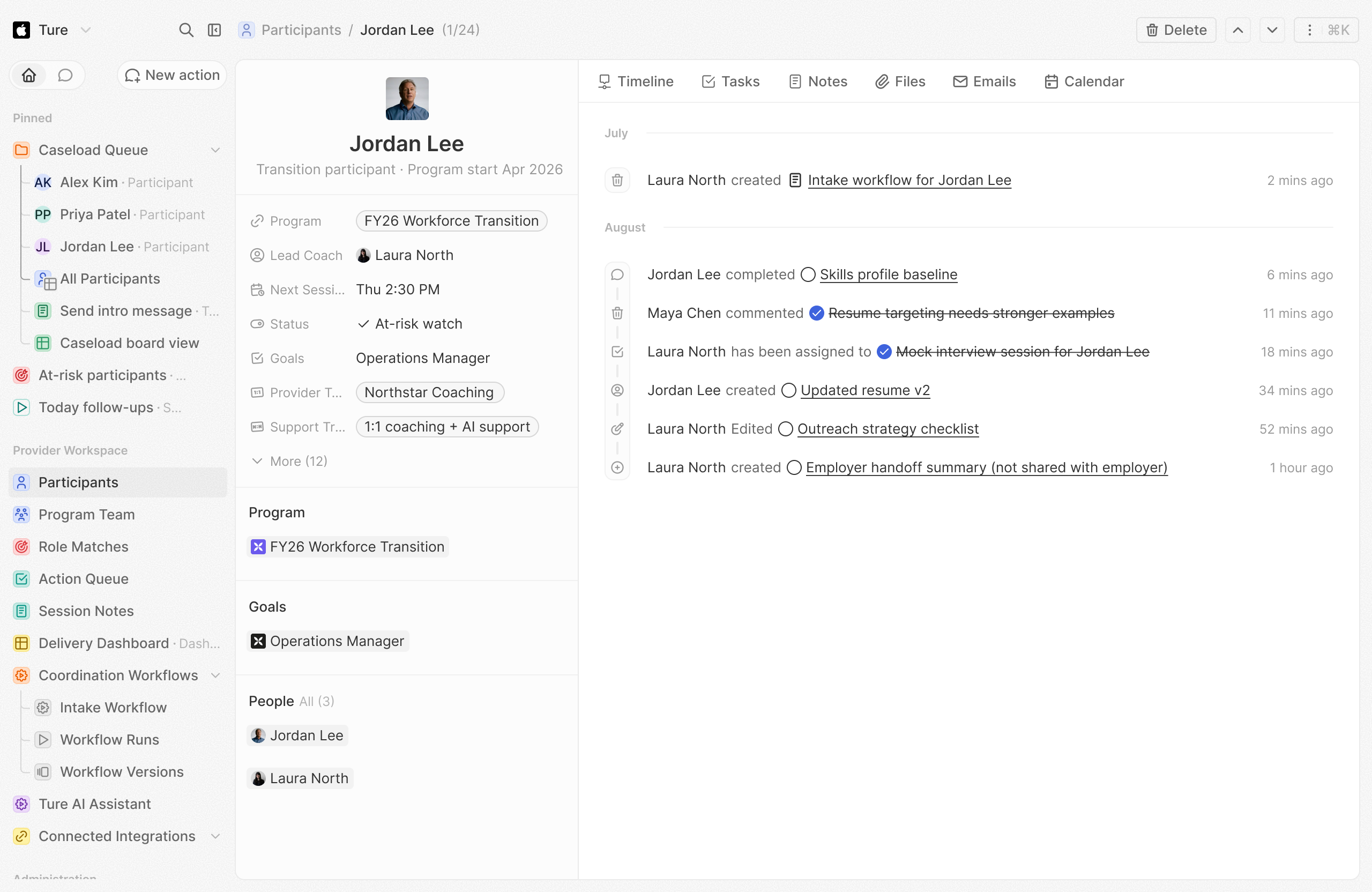
Provider & Coach Hub helps coaches and agencies prioritize cases, prepare for sessions, coordinate follow-up, and report outcomes without rebuilding context across disconnected tools.
How it works
From integration to outcome
Prioritize the Caseload
Show active cases, stalled participants, due follow-ups, and support flags in one view.
Prepare Each Session
Bring profile context, recent progress, and next actions into the provider workflow.
Report Delivery Clearly
Capture service activity and outcomes in a format the program can use without extra admin.
Caseload management that doesn't rebuild context.
Organized case management that improves delivery consistency and reduces administrative overhead.
The Problem
High-touch support breaks down when every case starts with context hunting.
Coaches and provider teams manage many participants at once. When notes, support activity, program rules, and next actions live across inboxes and spreadsheets, sessions start with reconstruction instead of support.
Learn more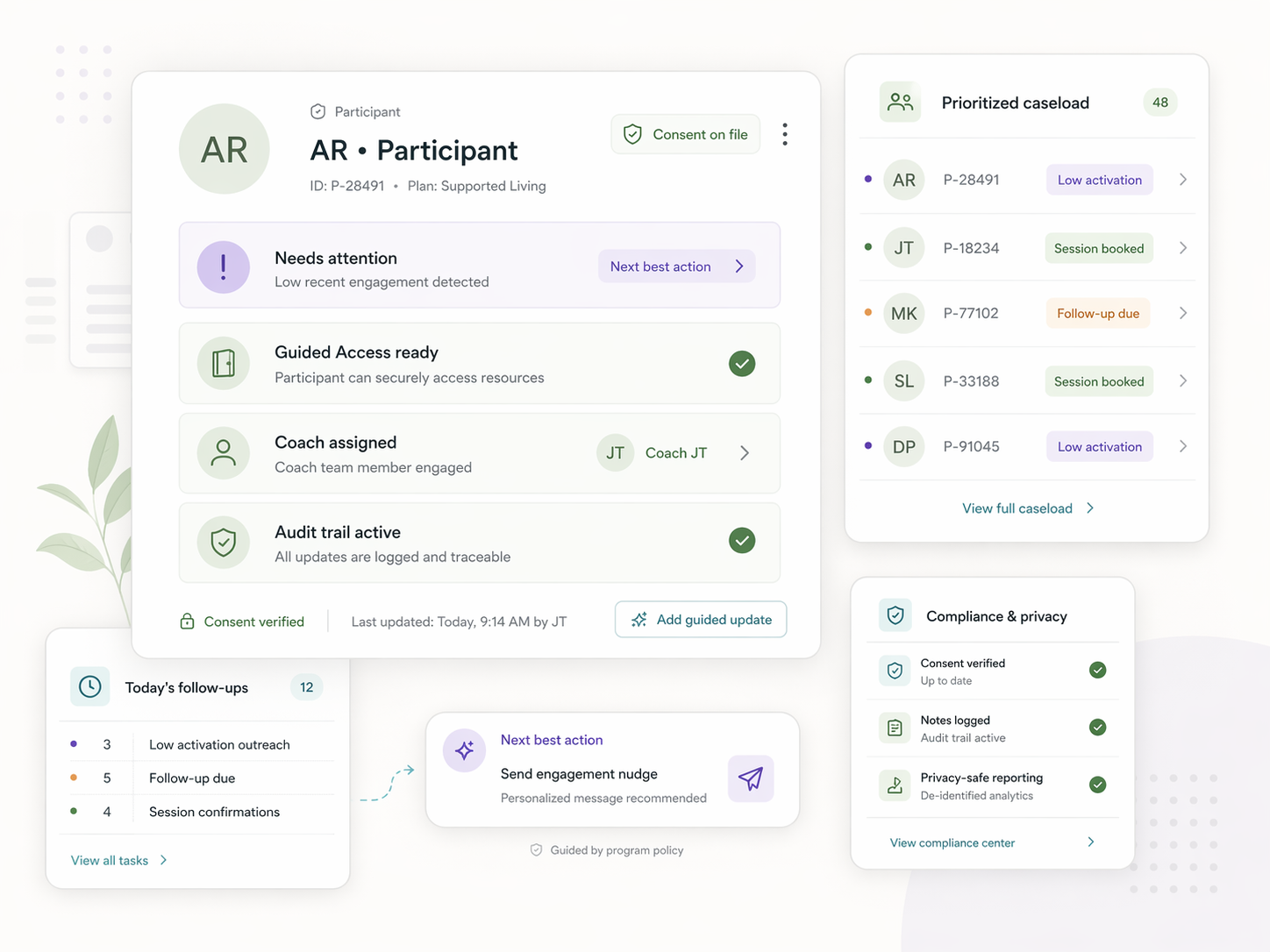
The Solution
Provider & Coach Hub turns caseload management into a prepared workflow.
Provider teams see participant context, priorities, follow-ups, and program requirements in one place. That makes support more consistent and gives employer-sponsored programs a cleaner delivery model.
See How It Works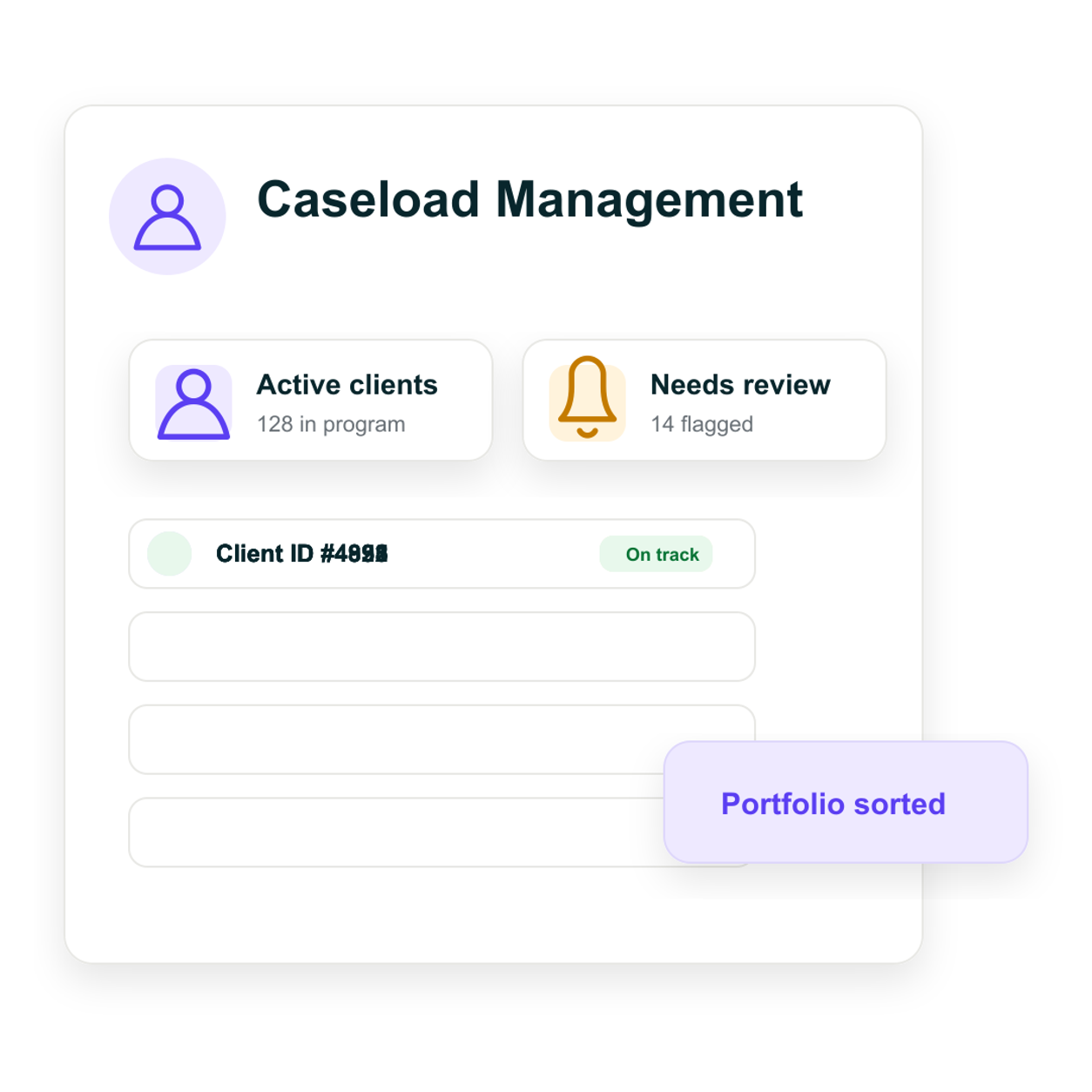
Caseload Visibility
Support more consistent program delivery by making it easier for providers to manage active cases.
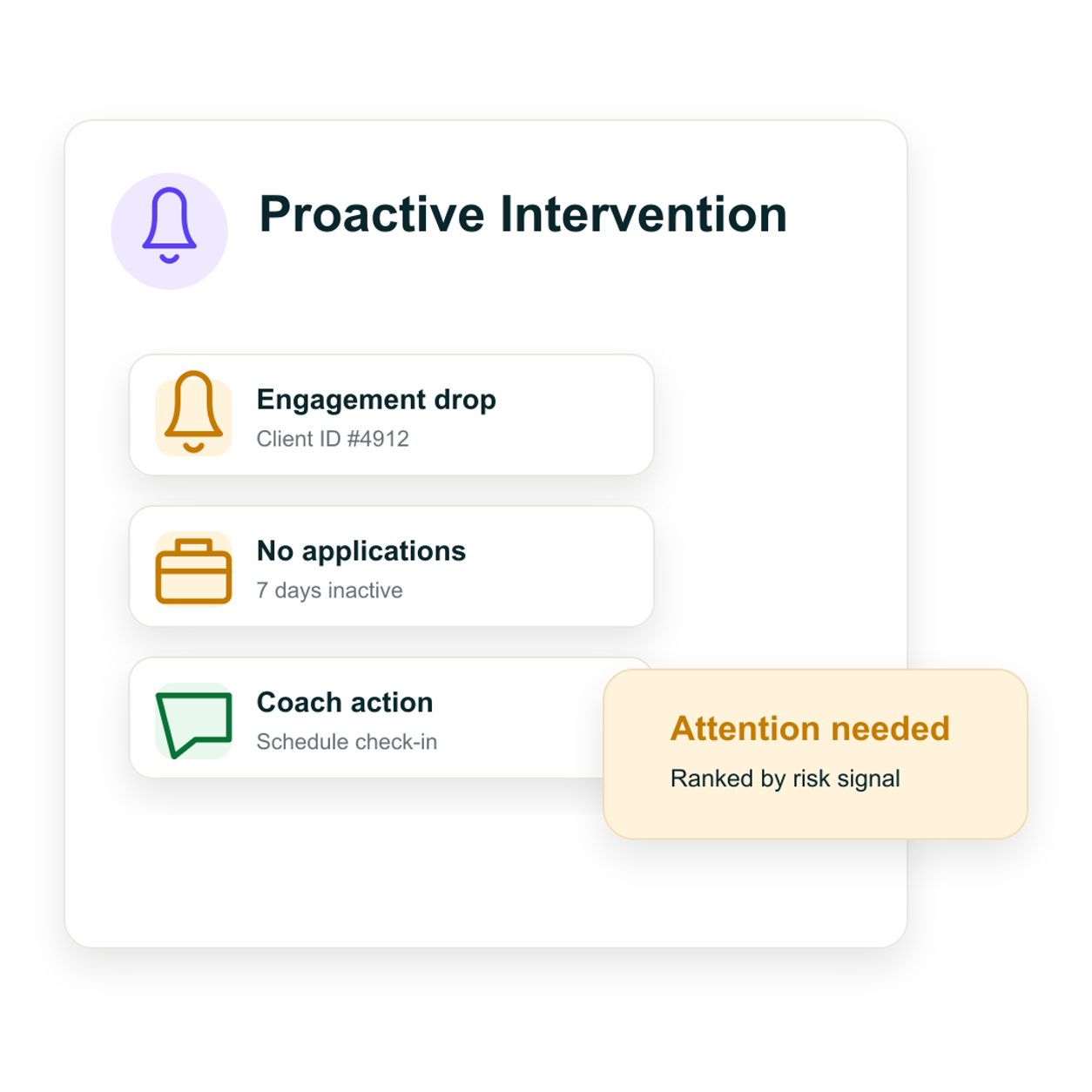
Better Support Coordination
Reduce handoff friction between providers, employees, and employer-sponsored program structures.
Lower Administrative Overhead
Improve delivery efficiency and reduce the operational drag created by disconnected systems.
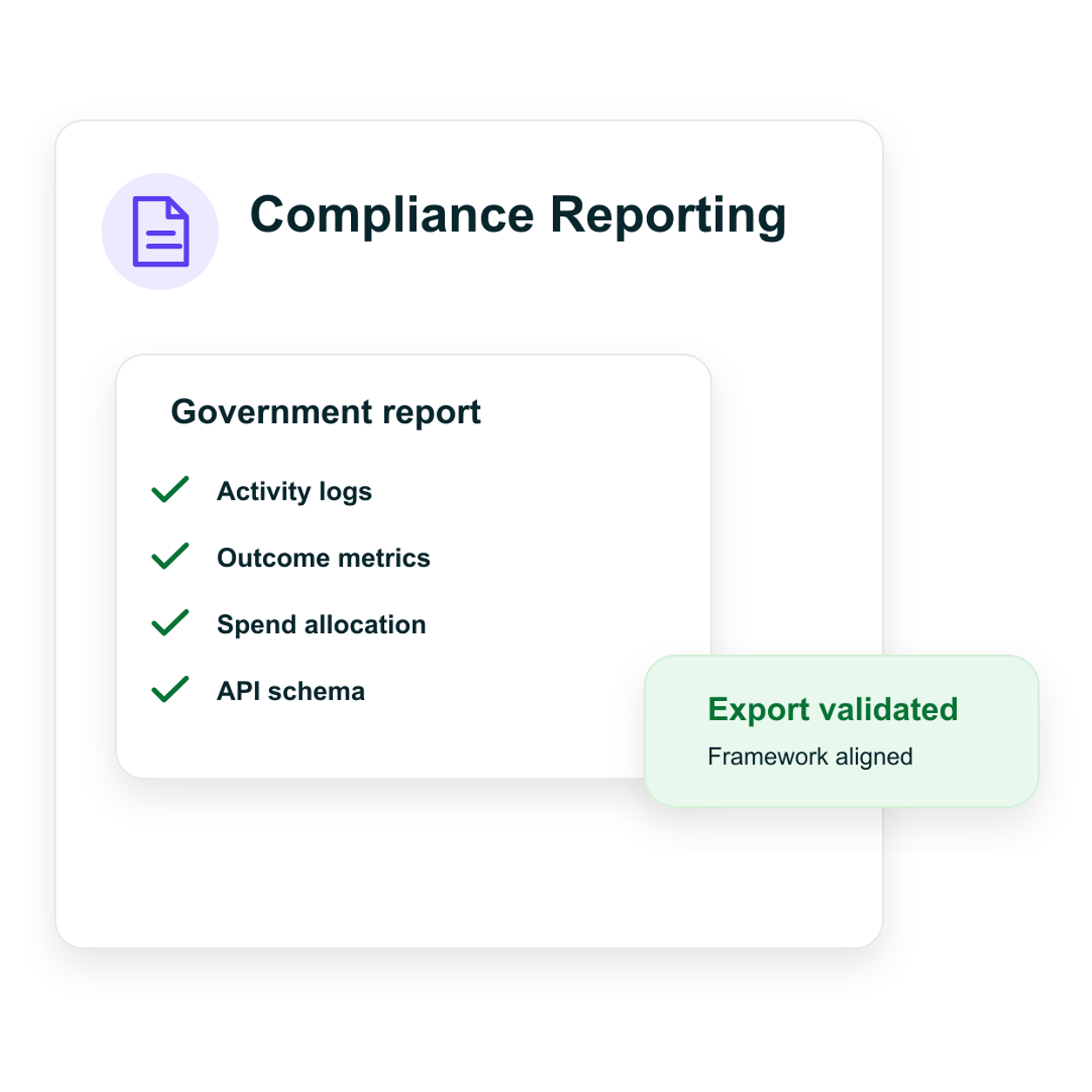
“Government compliance reporting used to be a two-person, two-week exercise every quarter. Ture's compliance-ready APIs cut it to a half-day review for one person.”
Marisol Vega, Program Director, Bridgepath Workforce
FAQ
What coaches and providers ask before onboarding.
It is a caseload workspace purpose-built for transition coaching. It has CRM-like features — participant lists, case notes, follow-up tracking, outcome capture — but it is connected to the participant's Ture workspace, so context is already prepared before each session instead of rebuilt from scratch.
Providers see case-scoped context: SkillsID summary, engagement signals, coaching notes, and program flags. They do not see private job applications, Ture AI conversations, or personal documents unless the participant chooses to share. Provider access is a third permission tier, separate from HR and employee.
Provider seats are case-scoped. When multiple providers support the same participant — for example, a career coach and a wellness specialist — each sees the context relevant to their role. Notes and outcomes are captured in a shared case record so handoffs are clean.
Providers can export case notes and outcome summaries for their assigned caseload. The dashboard is web-based, but notes and follow-ups captured during a session sync automatically when the provider reconnects.
Provider-captured outcomes — session completion, skill milestones, placement signals — flow into the employer's program-level reporting without exposing private case content. HR sees that coaching is happening and at what cadence. They do not see what was discussed.
Give your coaching team a caseload workspace that works.
Help coaches and agencies manage participant support more clearly while keeping delivery aligned with the broader transition program.